
Childcare management that plans ahead
More time for care. Less time chasing the day.
Limmia brings enrollment, staffing, attendance, family updates and tuition into one calm place. It shows which seats open up to a year ahead, warns you before a room goes over ratio, and finds the CACFP and subsidy money you've earned but haven't collected, so directors can plan ahead, teachers can stay with the kids, and families always know how the day went.
Already using Limmia? Sign in

One place for everyone who keeps your center running
Whether you run two rooms or twelve, Limmia fits the way your day actually works.
Directors and owners
See openings, ratios and tuition across every room, and every center you run, and plan the month ahead with confidence.
Teachers and staff
Take attendance, log medications and daily reports, and share photos without leaving the room.
Families
Check in from their phone at the door, get the day's report and photos, message the classroom and pay tuition, in English or Spanish.
Money finder
Find the money you've already earned.
Limmia reads your CACFP claims, state subsidy invoices and agency billing, and lists what you're owed, what you could lose and what you could add, each with its fix.
See how the money finder worksAll-in-one
Everything your center runs on, in one place
From the first enrollment question to the last pickup of the day, the details stay connected and the next step is easy to see.
Openings and waitlist
See the seats each room has that a family can keep, who on your waitlist fits them, and offer the seat from the same list. The family accepts or declines from the email, and pays a holding deposit there if you ask for one. On the phone with a family, check their days and start date and get a yes or the nearest week that works.
Staffing and ratios
See every room's ratio right now, and hear weeks ahead when a new start or a teacher's last day would put a room over, with the reason. Pull up any past moment, or a whole inspection packet, when someone asks.
Staff schedule, timecards and time off
Plan each week's shifts room by room, and see where a room will be short before the day comes, with who could cover. Staff count for their shift with no time clock, or clock in and out in the app if you turn the time clock on, and request time off. Today, your home screen, tells you when a time off request is waiting or someone who clocks in never clocked out.
Attendance and check-in
Families show a Family Pass on their phone, staff scan it at the door, and everyone sees who's here right now. Every check-in and check-out records who did it and how, and prints as a monthly attendance record or a paper sign-in sheet for any day.
Family updates
Messages and incident reports reach families right away. Photos, daily reports and invoices come together in one email a day. All in English or Spanish, whichever each parent reads.
Signatures for everything
Send a form to a room or the whole center with each child's details already filled in, from a permission slip to annual re-enrollment, where you approve each change a family makes. Families sign on their phone, along with incident reports, medication approvals and, where Limmia supports your state's subsidy program, each month's attendance. Everything waiting for their signature is on their home screen.
Health, incidents and medications
File an incident report and the family can read and sign it right away; your home screen shows any a family still hasn't signed a day later. Log each dose as it's given, and your home screen flags one that's late. Immunizations come with a heads-up before records expire, and where Limmia has your state's licensing rules, each child's file is checked against the ones it can check from what it keeps, with what it doesn't keep listed as your paper file's.
Lesson plans and portfolios
Plan each room's week by learning area, starting from last week's in one tap, and teachers see today's plan in their room. Write short observations of each child, see which areas have none in 60 days, and share the ones you choose to the child's portfolio in the parent app.
CACFP and state subsidies
Count CACFP meals and see the month's claim with anything it leaves out. Families fill in the meal benefit form on their phone, in English or Spanish; mark the claim filed and paid, and share it with your sponsor by link. Where Limmia supports your state's subsidy program, each month's invoice is checked against attendance before you enter it in the state's system, and Today tells you when the subsidy office needs to hear about an absence.
Tuition billing
Invoice families, take bank and card payments with autopay, keep an overpayment as credit toward the next bill, and see who's paid at a glance. Limmia tells you days ahead when an autopay charge may fail, and reminds the family to fix it first.
Switching in a weekend
Bring children, families and balances over from the system you use now, or a spreadsheet. Pick where you're coming from and Limmia lines up the columns, checks each one before anything is imported, and shows exactly what moved. Then send every family a personal welcome link, by email or on a printed card for the cubby.
Several centers
Run every center from one sign-in, with each room's status on one page. Each center is priced at its own size, all on one invoice, and a new center is free until its first child is enrolled.
Every feature is included in one plan. See pricing
Openings calendar
“Do you have space?” Answer before they hang up.
Pick the child's age and the days they need, and see the room and the day they can start while the family is still on the line.
When it's yes, offer the seat right there. When it's no, you'll know why, and what would change the answer.
Start your 14-day free trialOpenings · Calendar
Sample data
Child's age
20 months
Days
Hours
Yes, they can start Wed, Nov 25
Toddler Room· Full-time
- Full before Nov 25.
- With 1 more Toddler Room teacher: from Mon, Nov 2.
November 2026
Tap a day for its answer.
Why Limmia exists
It started at morning drop-off
“Every hour spent wrestling with clunky tools was an hour taken away from the kids.”
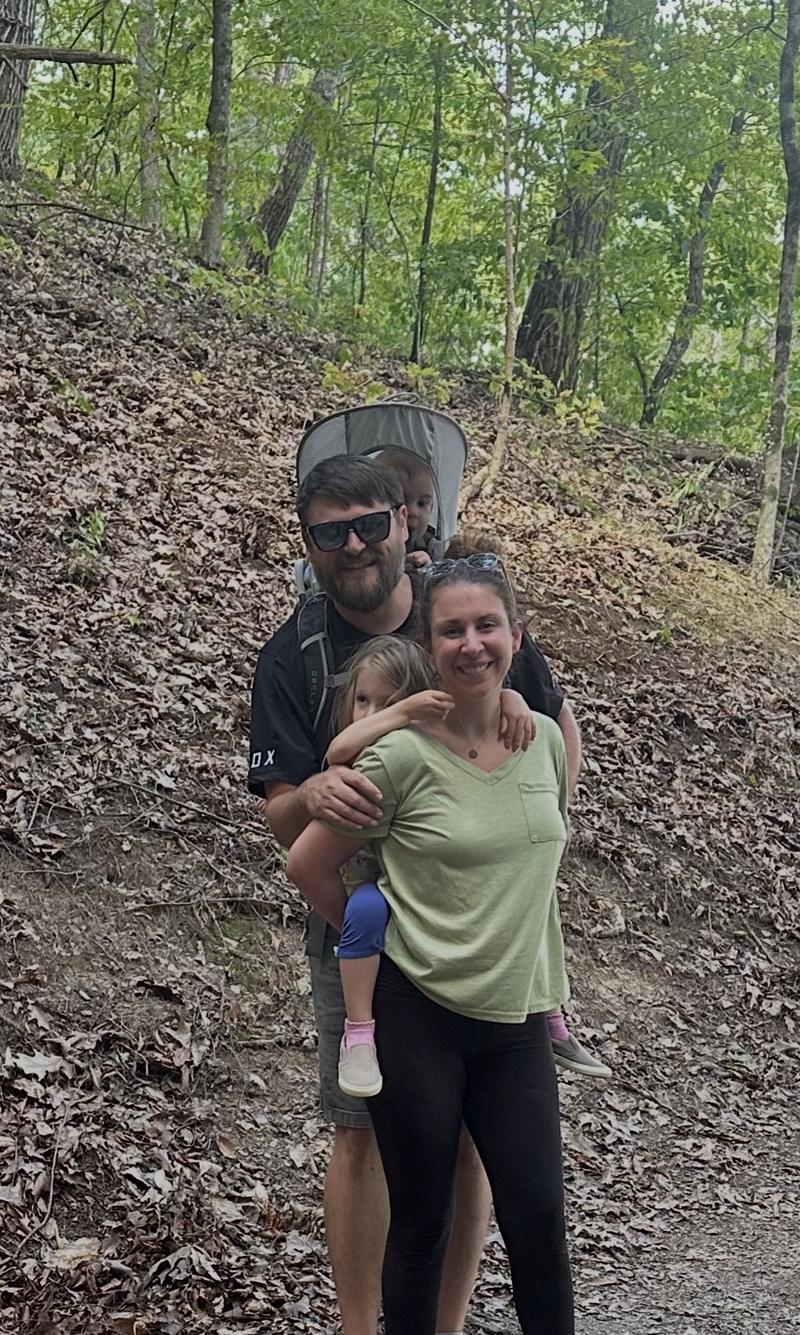
Tucker is a software engineering leader with over a decade of experience, including class III medical devices where security and privacy are essential. Dropping his two kids off at daycare each morning, he saw how many hours their providers spent on manual admin and endless spreadsheets. He built Limmia to give that time back.
Read our storyPrivacy
Families trust you with a lot. Limmia treats their information that way.
Experience where privacy is essential
Limmia's founder has spent over a decade building software, including class III medical devices, where security and privacy are essential.
Access that fits each role
Give directors, teachers and staff exactly the access their role needs, change it any time, and require passkeys for everyone who runs the center.
Photos only the right families see
Photos are resized on the teacher's device before they upload, which removes the camera's location data. A family sees the photos their own child is in, and a newsletter shows another child only when that child's family has said yes in the app. Both are checked every time a photo opens.
No AI, and it's in writing
Limmia doesn't use AI. Your families' information is never sent to an AI service or used to train one, and our Data Processing Agreement puts that in writing.
Read the DPA
Pricing
Simple pricing, sized to your center
One plan with every feature, at a flat price set by how many children you have enrolled. It starts with a 14-day free trial.
Monthly prices in US dollars, by center size. Every center starts with a 14-day free trial.
Your size is set by how many children you have enrolled. Grow as much as you like: nothing is ever blocked, and your price only moves after a full month in a new size, with an email first.
| Plan | Small center (up to 50 kids) | Medium center (51–100 kids) | Large center (101+ kids) |
|---|---|---|---|
| Center | $149/month | $249/month | $399/month |
- Center: Everything you need to run your center, tuition billing included. Includes Child records; Staff records; Staffing ratios by room; Attendance; Openings forecast; Waitlist; Reports; Milestones; Staff schedule; Documents and e-signatures; Bulk import; Parent portal: attendance view, photos, daily reports, incident reports, emergency contacts, absence requests; Messaging; Health records; Medications; Family Pass check-in; Tuition billing and autopay; Staff credential alerts; Curriculum and child portfolios; Subsidy and agency billing; Several centers, one sign-in and one bill.
Tuition billing is included: families pay online by bank or card, with autopay.
Running more than one center? Each center is priced at its own size, all on one invoice, and a new center is free until its first child is enrolled.
Settle in, in minutes
Create your account, add your rooms and bring your center's day into one clear place, in about the time it takes to make a coffee.
Start your 14-day free trial